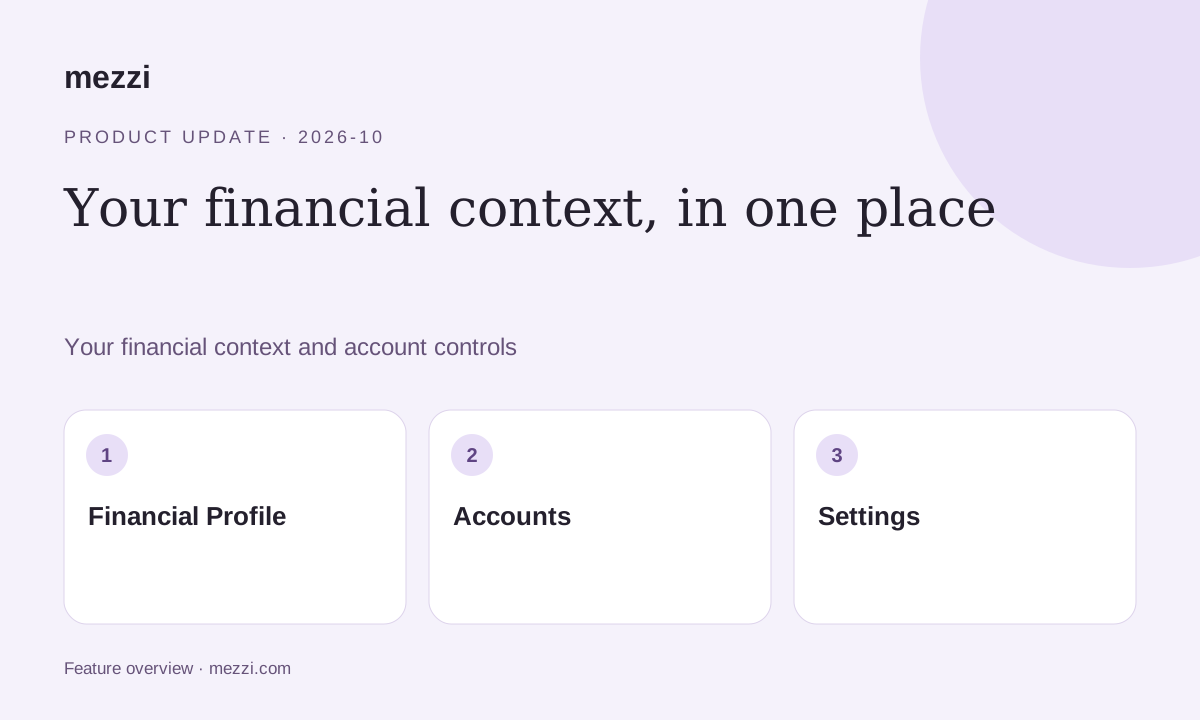
A new job, different income, or a change in your household can change the context behind your financial questions. Mezzi’s dedicated Financial Profile tab makes that information easier to find and maintain.
The October release also moves account access and Settings into clearer locations on desktop and mobile.
Your financial context in one place
Financial Profile brings together personal and household details, income and expenses, tax information, planning assumptions, and AI Personalization.
Review those details when your circumstances change. Connected balances alone do not tell your Advisor about a new spending need, a different retirement date, or a change in your household.
Looking for Accounts? Start with Financial Profile
Open Financial Profile, then select Accounts. This is where you access your accounts in the updated navigation.
On desktop: Find Financial Profile below your account groups in the sidebar, then select Accounts. Settings is at the bottom of the sidebar.
On mobile: Tap Financial Profile in the bottom navigation, then select Accounts. Open Settings using the gear at the top right of Home.
For the mobile layout introduced in this release, update to version 1.65.7 or later.
Settings handles membership and security
Your membership, security preferences, and account controls live in Settings. Financial Profile is for the details that inform your financial conversations; Settings is for managing the application and your membership.
Open Financial Profile. Keep your Financial Profile current so your next question starts with the right context.
Open MezziMore changes in this release
- AI Chat is now Advisor. The new label describes where to ask for financial guidance in Mezzi.
- Trade history across accounts. Review 50 transactions at a time and use “Show more” for older activity.
- Clearer account linking. Onboarding guidance reflects which accounts you still need to connect.
- More frequent web searches. Advisor searches the web more often to bring current information into answers about taxes, funds, and other topics. Check the source and date when a decision depends on a current rule or figure.
- More consistent support and data entry. Fixes address entering financial details and loading manual assets on Home.
This article documents the October 17, 2026 release. For the latest navigation guidance, visit the Mezzi help center.
Keep your Financial Profile current so your next question starts with the right context.
This product update is for informational purposes only and is not personalized investment, tax or legal advice. AI responses can be incomplete or incorrect. Verify figures and assumptions against your records before making financial decisions. Examples are illustrative and do not represent a customer result or guaranteed outcome. Features and availability can change.