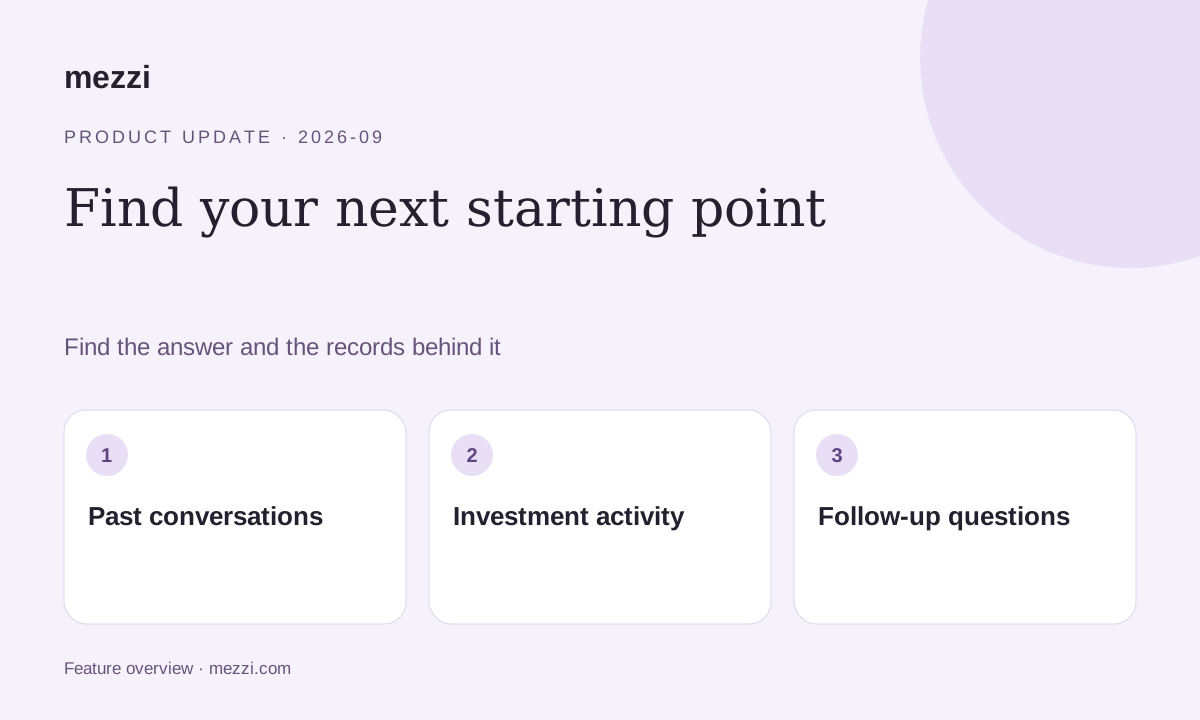
Mezzi’s September 18 release added two ways to find information: search earlier conversations and ask about investment transactions beyond buys and sells.
The update also restored Exposure X-Ray access on individual stock pages for Free members.
Find a past conversation
Search your chat history to revisit an answer or pick up where you left off. Instead of rebuilding the context from memory, open the original discussion and ask a follow-up.
An earlier answer reflects the information and assumptions available at the time. If your income, portfolio, or plans have changed, explain what is different before relying on the old conclusion.
Search more than trades
You can ask Mezzi to search investment transactions beyond purchases and sales. Deposits and withdrawals can help explain why an account’s balance changed even when market performance does not tell the whole story.
Start with an account scope, an activity type, and a period:
Find all deposits and withdrawals in my investment accounts in the past six months.
Ask for the underlying transactions if you need to reconcile the summary. Transfers, missing history, and differences in how institutions label activity can affect the answer. Compare important totals with your institution’s records.
Search my investment activity. Find all deposits and withdrawals in my investment accounts in the past six months. State the dates and accounts included, show the transactions behind the totals, and flag missing history or transfers that need review.
Search my investment activityExposure X-Ray access for Free members
A bug had hidden X-Ray on individual stock pages from Free members. This release restored access, making it easier to explore direct and fund-based exposure from a security’s detail page.
It also corrected X-Ray bars extending beyond chart boundaries.
Other improvements in the release
- Table headings stay visible. Column headers remain in view while you scroll through detailed tables.
- Saved insights display correctly. A fix improves how saved insights appear on Home.
- Reliability work. Following a brief service interruption during increased demand, the team continued work on application stability.
The email also invited members to help test additional account connections. For current institution support or connection issues, contact Mezzi support.
Find the original conversation, check the underlying records, and continue with the context intact.
This product update is for informational purposes only and is not personalized investment, tax or legal advice. AI responses can be incomplete or incorrect. Verify figures and assumptions against your records before making financial decisions. Examples are illustrative and do not represent a customer result or guaranteed outcome. Features and availability can change.