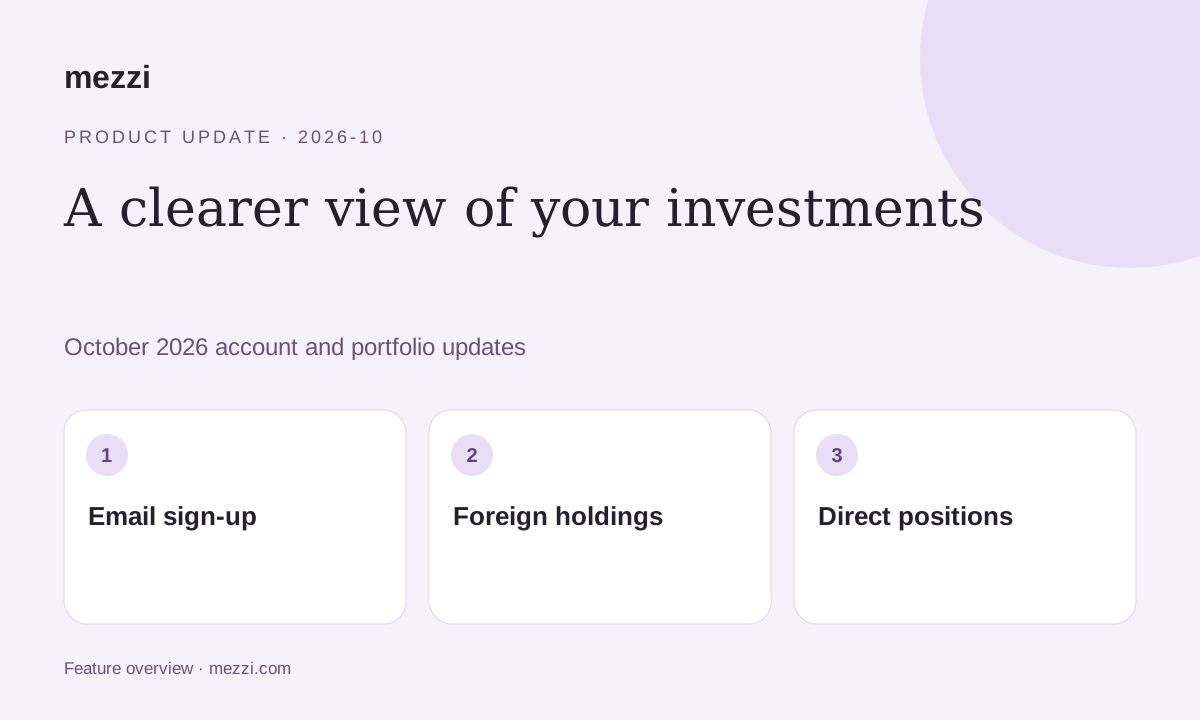
Mezzi’s October 7–8 updates added email-and-password sign-up on the web, corrected affected foreign investment values and dividends, and made directly owned holdings easier to find.
This post brings together the announcements sent to prospective and existing members.
Create an account with email and password
New members can create a Mezzi account on the web using an email address and password. Choose email sign-in, then verify your address.
The launch guidance for existing members was to keep using their current sign-in method. Email sign-up was available on the web, with the iOS update still pending at the time of that announcement.
After signing in, review your security preferences, including two-factor authentication. Following the later October navigation update, Settings houses security and account controls; see the Financial Profile and Settings guide.
Corrected dollar values for affected foreign investments
The release corrected US-dollar values displayed for affected foreign holdings and cash.
For example, 100 London-listed shares priced at 29.7 pence each are worth £29.70 before currency conversion. Reading the quoted price as $29.70 per share would instead display $2,970. The unit of the quote matters before an exchange rate is even applied.
If a holding was affected, its displayed portfolio value should reflect the correction. Missing foreign-currency dividends were also restored in Dividend Income, chat, and Rewind.
Compare unusual values or income entries with your institution’s records. A corrected display does not represent an investment gain or a change to the assets you own.
Find direct positions and underlying fund holdings
On Net Worth, Top Movers was renamed Holdings. Open that card to see positions you own directly.
You can also open Holdings in Exposure X-Ray, choose See all holdings, and select Positions. Switch to X-Ray to inspect underlying investments held through funds where data is available.
These views answer different questions: what is in your account, and what exposure sits inside those investments.
Review my holdings. Use the corrected data as a starting point, and check any remaining discrepancies against your account records.
Review my holdingsOther improvements announced with this release
- Model selection. Concierge and legacy Plus members gained another Pro model choice in the chat model menu. Model availability changes; see current membership options.
- Account syncing. Refreshes became more reliable, with recovery of transactions missed during stalled connections. Affected cash-only investment accounts load holdings after investment access activates.
- Portfolio categories. Fixes corrected affected money-market categories and share prices, and moved affected Fundrise funds from Remaining Funds to Real Estate.
- Alert controls. Chat rejects attempts to create or remove an alert unless you requested or accepted the change.
- Manual transactions. Failed or overlapping saves preserve existing manual transaction history. Other account edits can still be partly saved when a save fails, so check the account before retrying.
Use the corrected data as a starting point, and check any remaining discrepancies against your account records.
This product update is for informational purposes only and is not personalized investment, tax or legal advice. AI responses can be incomplete or incorrect. Verify figures and assumptions against your records before making financial decisions. Examples are illustrative and do not represent a customer result or guaranteed outcome. Features and availability can change.